MooseMail vs. Epistles
Both preserve provider behavior. Compare their Microsoft connection, search strategy, and Fastmail calendar support before deciding.
Who should choose each app
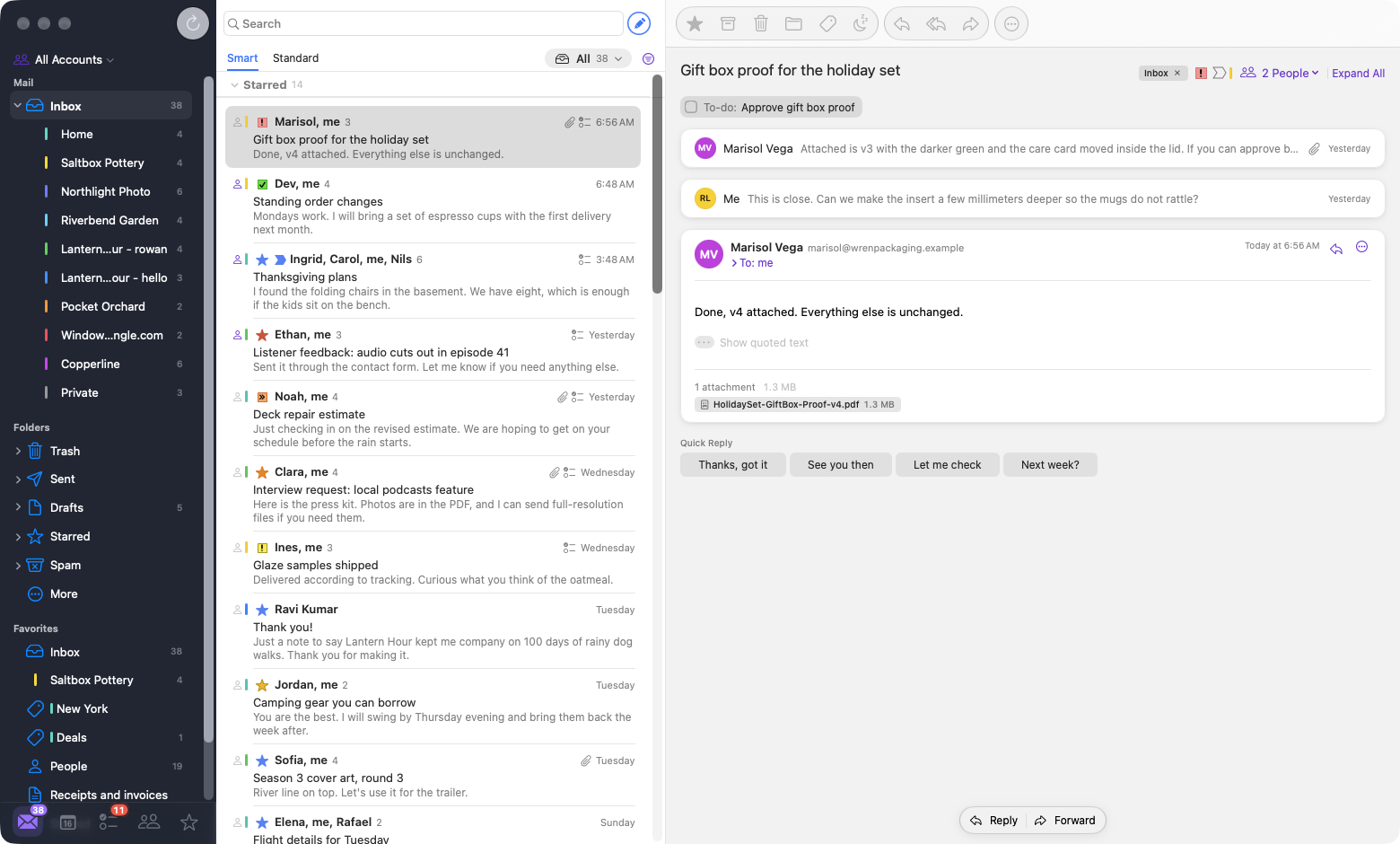
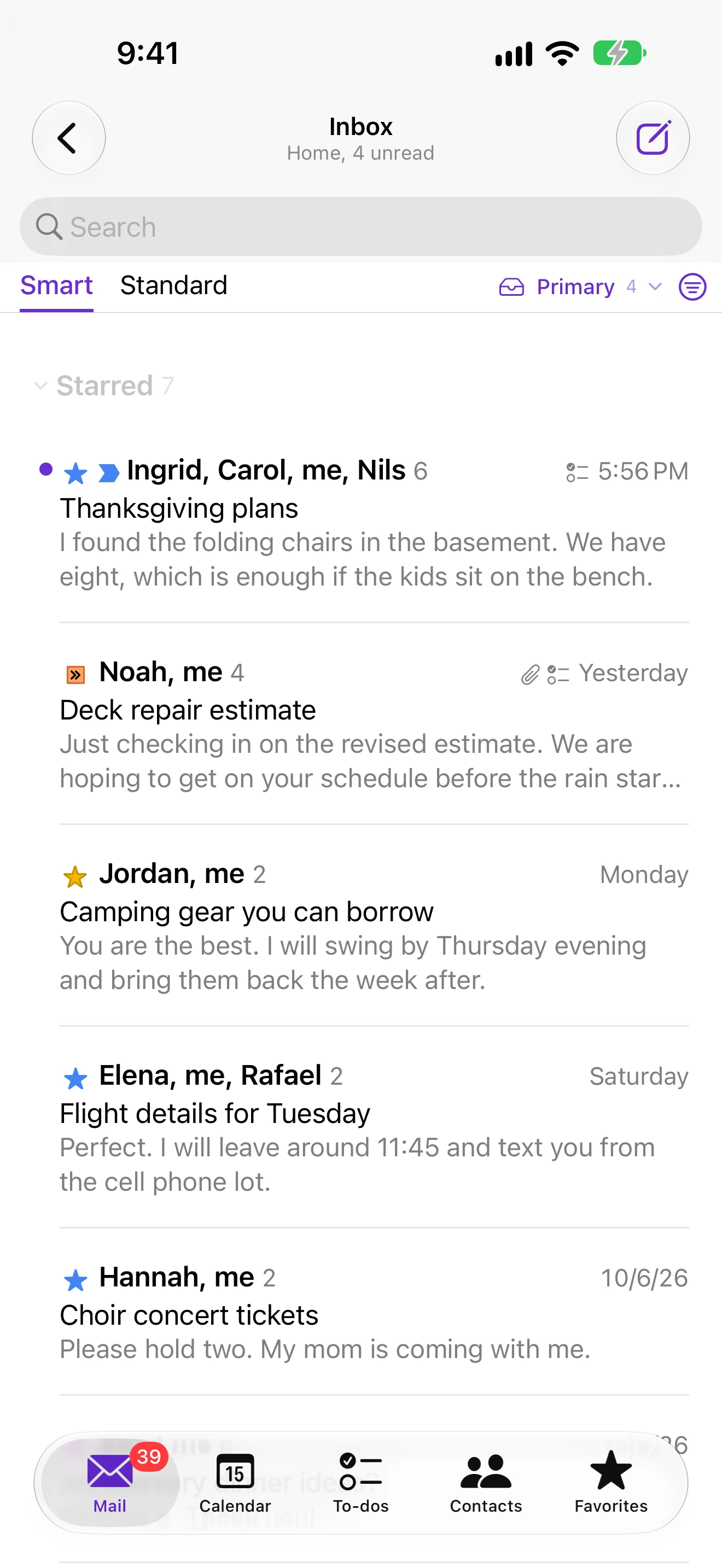
Choose MooseMail for Microsoft Graph, Gmail server search, and Fastmail calendars alongside mail and linked to-dos on Mac and iPhone. Choose Epistles if native Proton Mail, offline search, or support for Windows, Linux, Android, and the web is central to your setup.
| What you do | MooseMail | Epistles |
|---|---|---|
| Search Gmail | Use Gmail search operators and query the server for connected accounts. | Uses the Gmail API for sync and an on-device full-text index for search. |
| Connect Microsoft 365 | Uses Microsoft Graph for Outlook.com and Microsoft 365 mail, calendars, and contacts, subject to permissions. | Its FAQ documents the Outlook Web App API for Microsoft 365 and Exchange Online. |
| Connect Fastmail | JMAP for mail and supported contacts. Calendar uses CalDAV with an app password. | Native JMAP for mail and Fastmail contact sync. The FAQ lists Fastmail Calendar on the roadmap. |
| Connect Proton or your own server | Supports compatible JMAP and IMAP servers. Provider-native access focuses on Google, Microsoft, and JMAP. | Native Proton API with on-device OpenPGP, plus native JMAP and standard IMAP with SMTP. |
| Continue on another device | Native Mac and iPhone apps with Calendar, Contacts, and linked To-dos in the app. | Available across Apple devices, Windows, Linux, Android, and web, with paid calendars and contacts. |
Test Microsoft 365 with your real tenant
Both apps offer Microsoft 365 access. MooseMail uses Microsoft Graph with sign-in permissions for mail, calendar, and contacts. Epistles documents using the Outlook Web App API. That distinction matters in organizations with sign-in restrictions. Check what your administrator allows and then verify you can create an event and find the contacts you use. A successful inbox sign-in alone doesn’t tell you which other services your tenant allows. Epistles FAQ · Microsoft Graph overview · MooseMail provider connections
Compare two genuinely different search workflows
Both apps keep provider behavior such as Gmail labels. If you archive a thread, Epistles documents removing its Inbox label while keeping the other labels. The difference is where you search. Epistles indexes mail on-device for offline search. MooseMail can send a query such as label:orders older_than:1y to Gmail as well as search downloaded messages. Compare which app finds a thread outside the mail your phone already downloaded, and which finds it on a flight. Epistles provider behavior · Epistles offline search · MooseMail Gmail search
Fastmail and Proton make the choice concrete
Fastmail mail is a good fit in either app because both can use JMAP. If you need to change a Fastmail event, MooseMail connects the calendar separately over CalDAV. Epistles documents Fastmail contacts today and calendars on its roadmap. If you also need Proton Mail in the same inbox, Epistles’ dedicated Proton connection is the stronger fit. Epistles calendar and contacts support · Fastmail’s account requirements
Keep the account’s own tools
- Google WorkspaceUse Gmail labels, categories, and search operators.
- Microsoft 365Open the calendar and contacts through Microsoft Graph.
- FastmailUse JMAP for mail and CalDAV for calendars.
Pricing
| App | Free includes | Paid adds and price |
|---|---|---|
| MooseMail | $0 for up to two email accounts. All app features are included on Mac and iPhone. | Pro is $29.99 once for unlimited accounts on Mac and iPhone, with future features included. |
| Epistles | $0 for up to two connected accounts on all supported platforms. | Pro is $35.00/year on the web. It adds unlimited accounts, calendars, contacts, and snoozing. The App Store subscription costs more. Epistles also advertises a separate limited Bereans lifetime offer. |
Published US prices checked November 16, 2026, before tax. MooseMail pricing · Epistles pricing
-
MooseMail Pro, one-time upgrade$29.99
-
Epistles Pro, standard web annual billing$105.00
Illustrative totals before tax. Assumes three years at the standard annual rate listed on November 16, 2026. Trials, promotions, and family or team licensing aren’t included.
Test before switching
Add the account with the most restrictions first. For Microsoft 365, create a test appointment and confirm it appears in Outlook on the web. For Fastmail, edit an event and check the resulting time in Fastmail. If the choice hinges on search, try the same old thread online and offline.