Native on both devices.
Mac menus and keyboard shortcuts. iPhone swipes and touch controls.
Use the accounts you already have, with familiar controls and a full calendar. Gmail, Outlook, iCloud, Fastmail, and more.
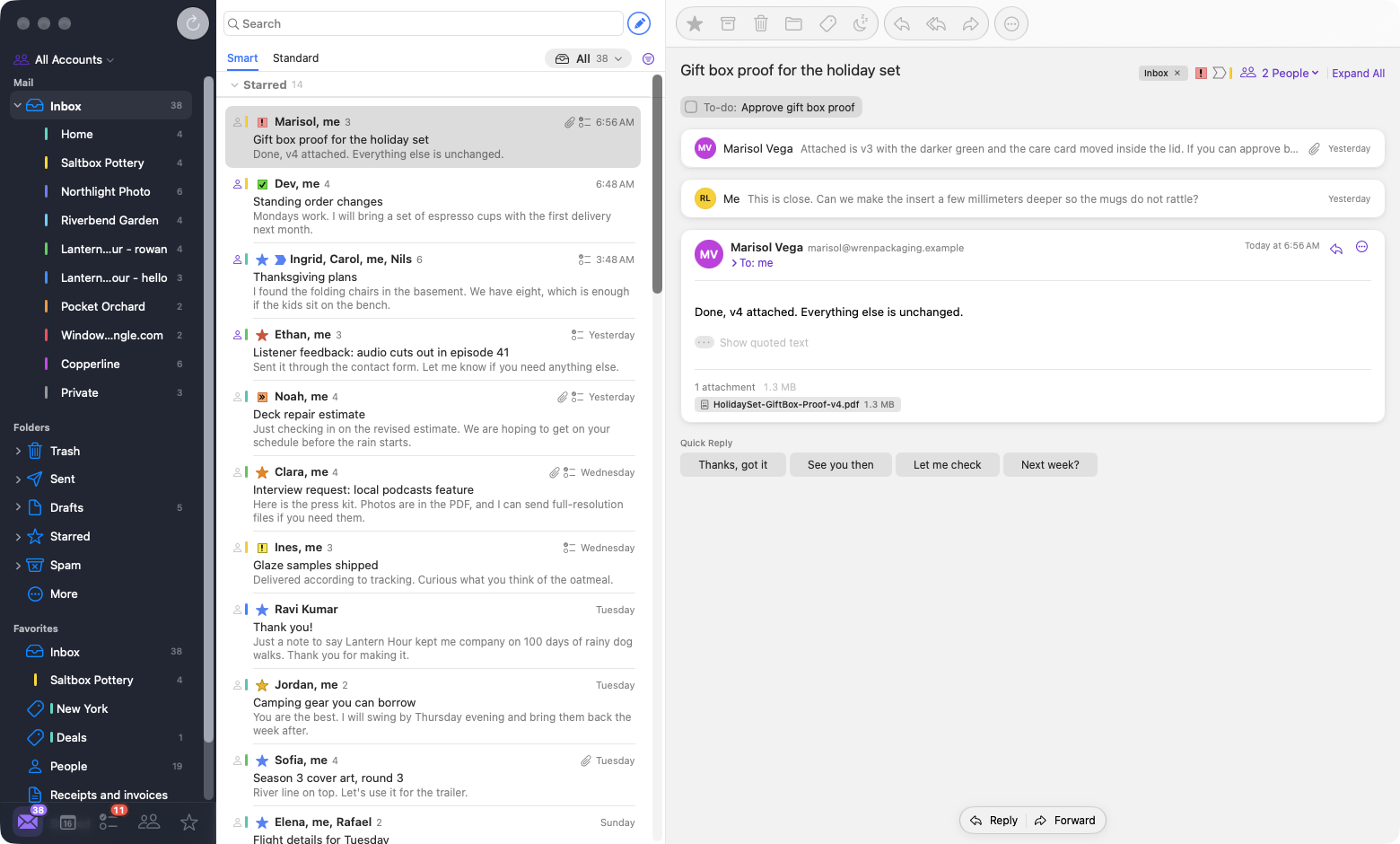
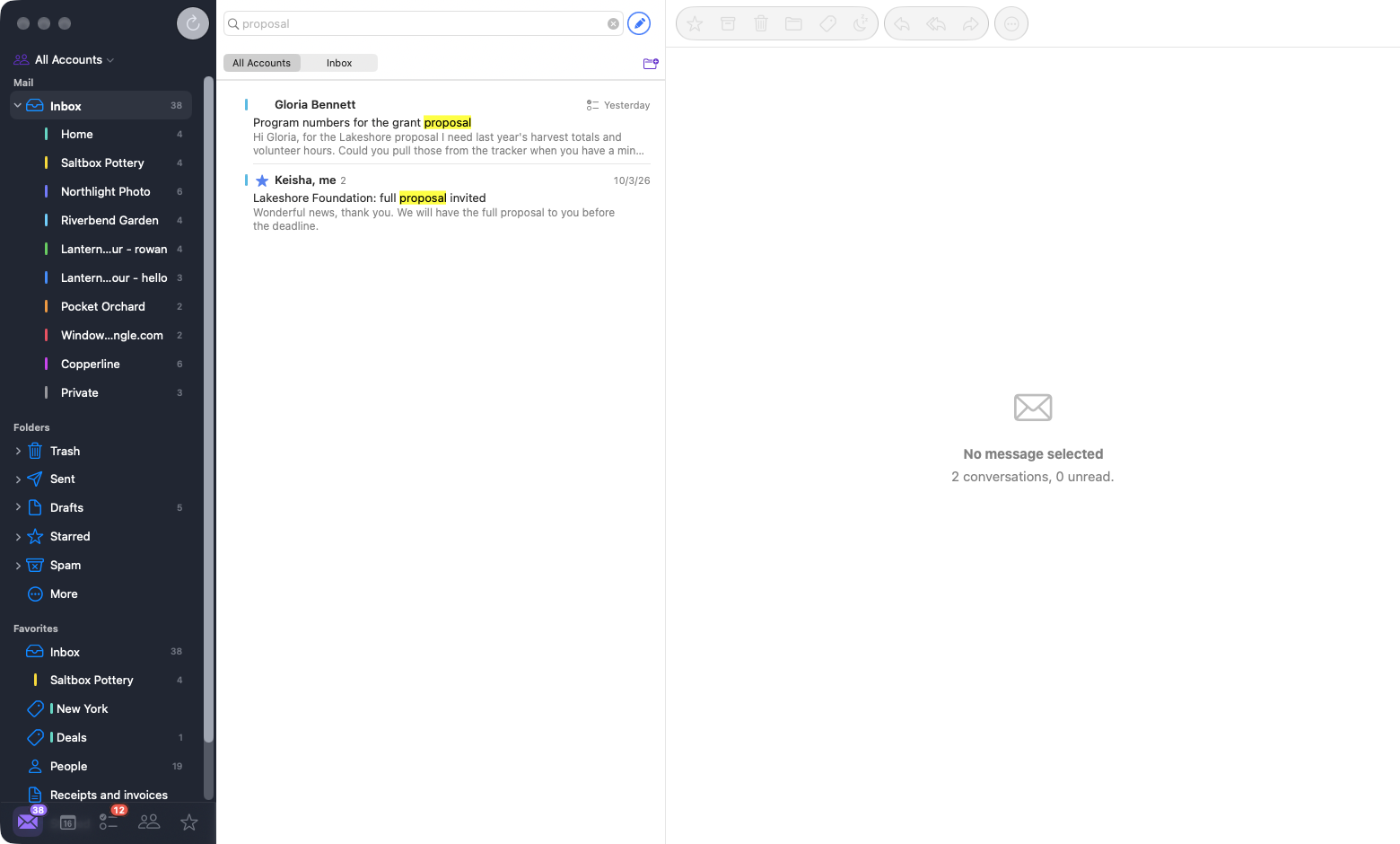
Check all your accounts in one inbox, or focus on just one.
Mac menus and keyboard shortcuts. iPhone swipes and touch controls.
Keep your labels, categories, filters, and Gmail search. Connected through the Gmail API.
Mix providers. Bring work and personal mail together, or keep each inbox separate.
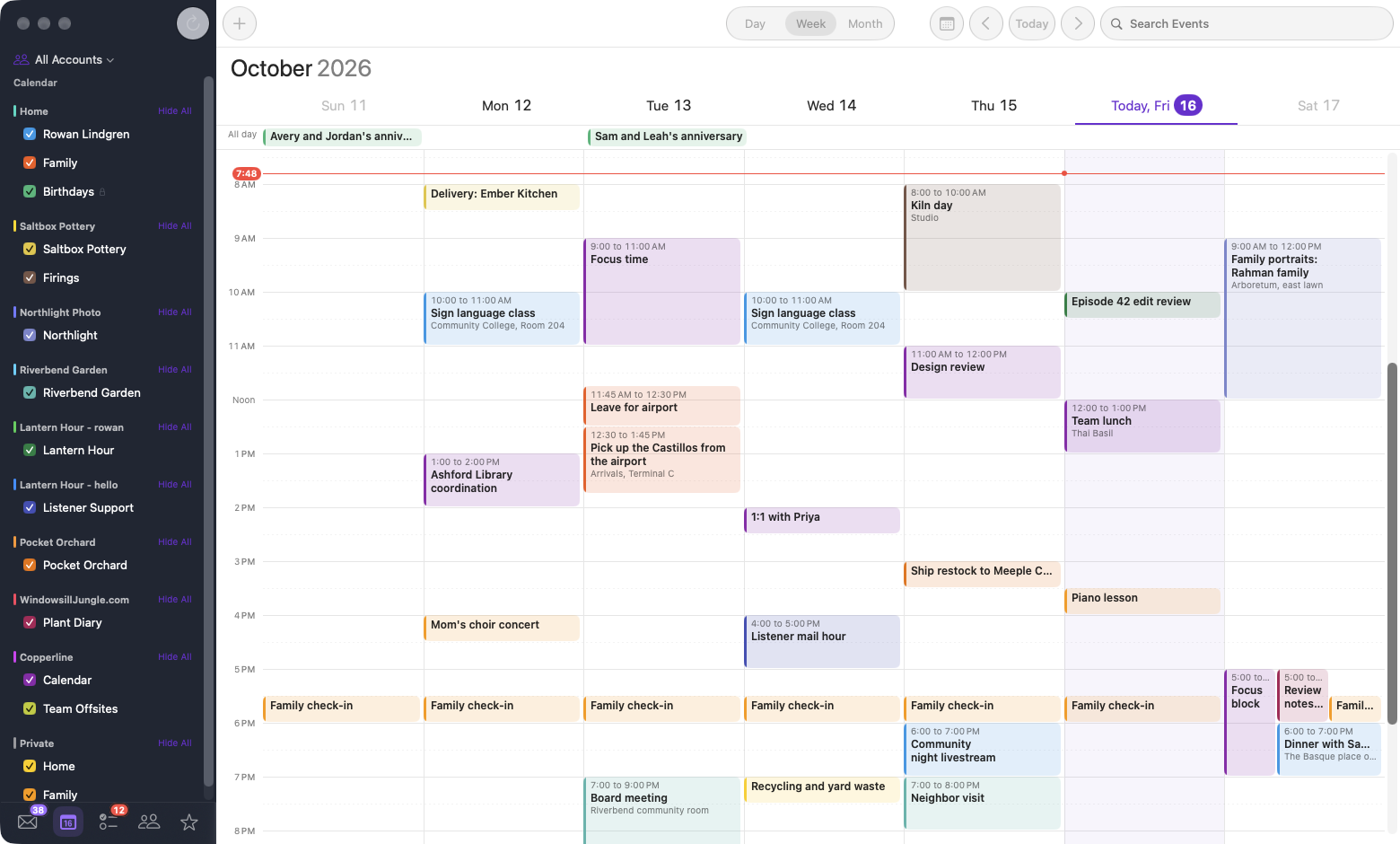
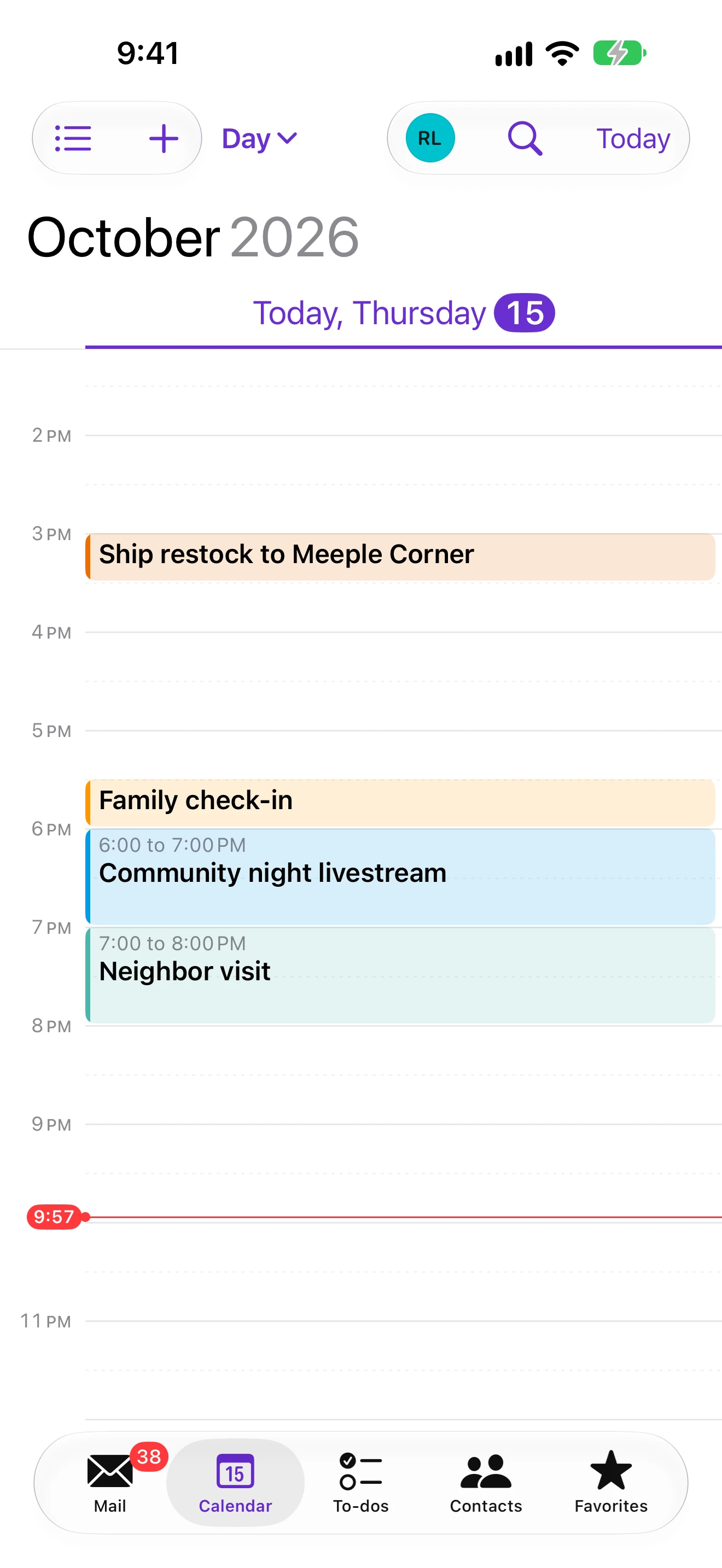
See your calendars together, plan events, and respond to invitations. Switch between day, week, and month views.
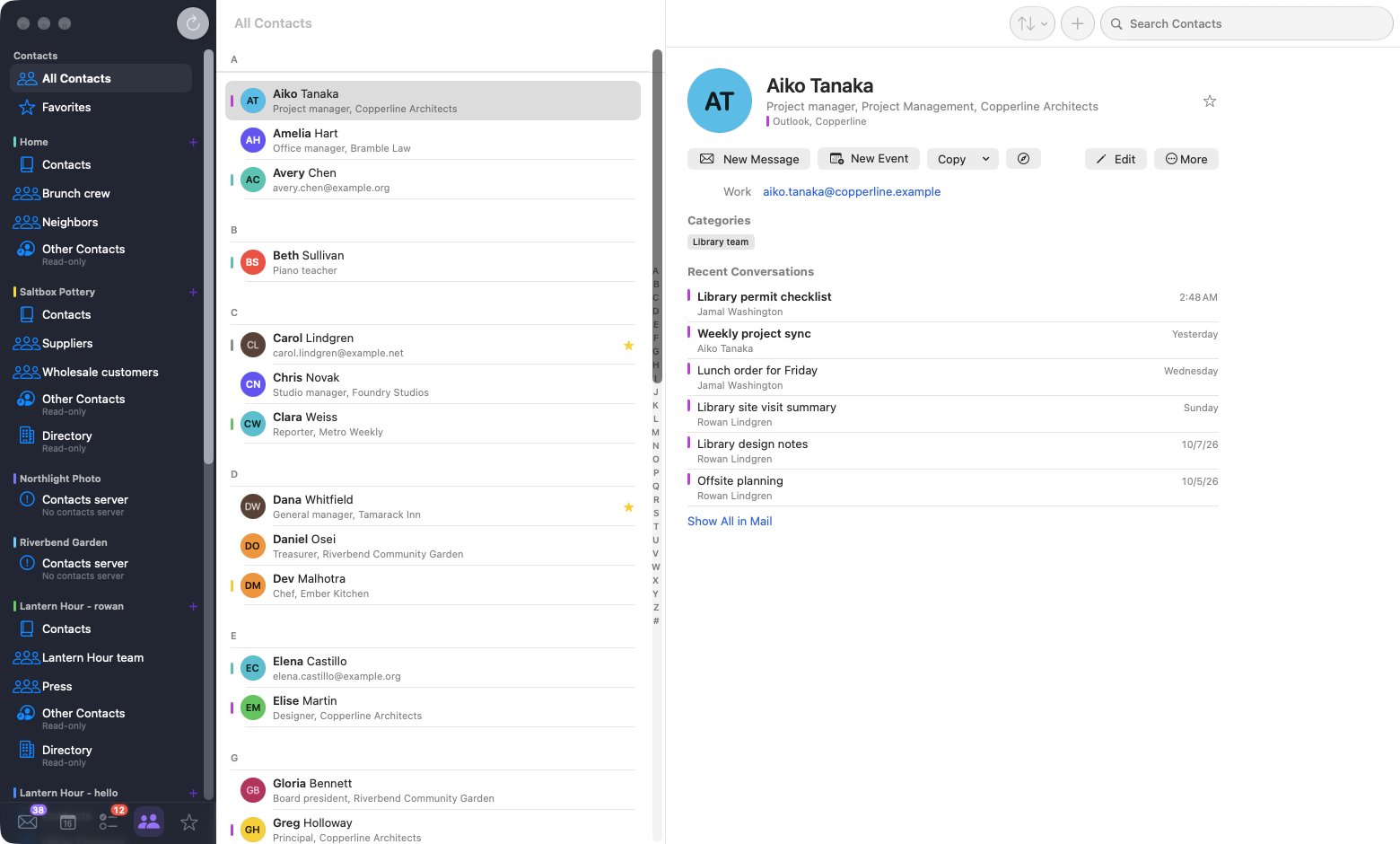
Mail, calendars, contacts, and to-dos, adapted for touch. Your tasks and settings sync through private iCloud.
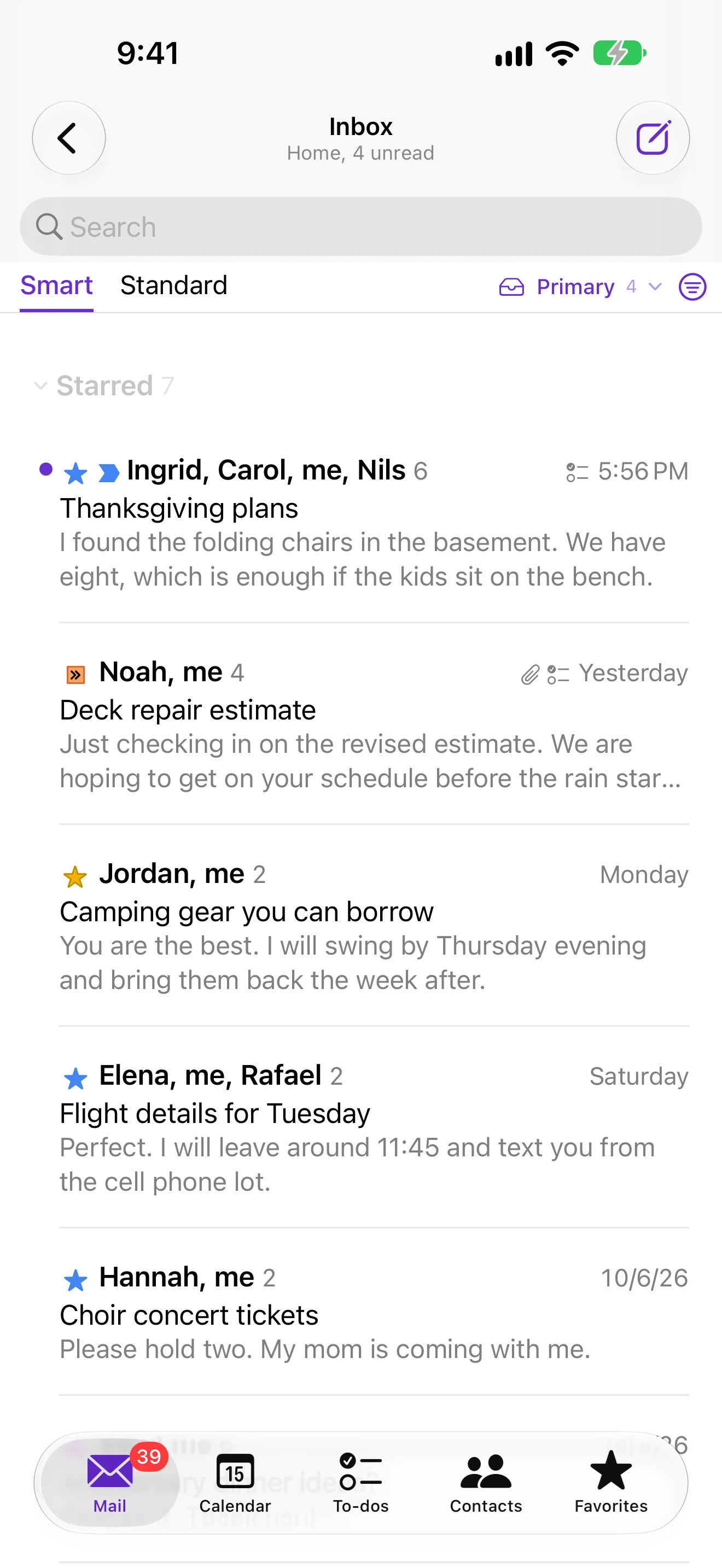
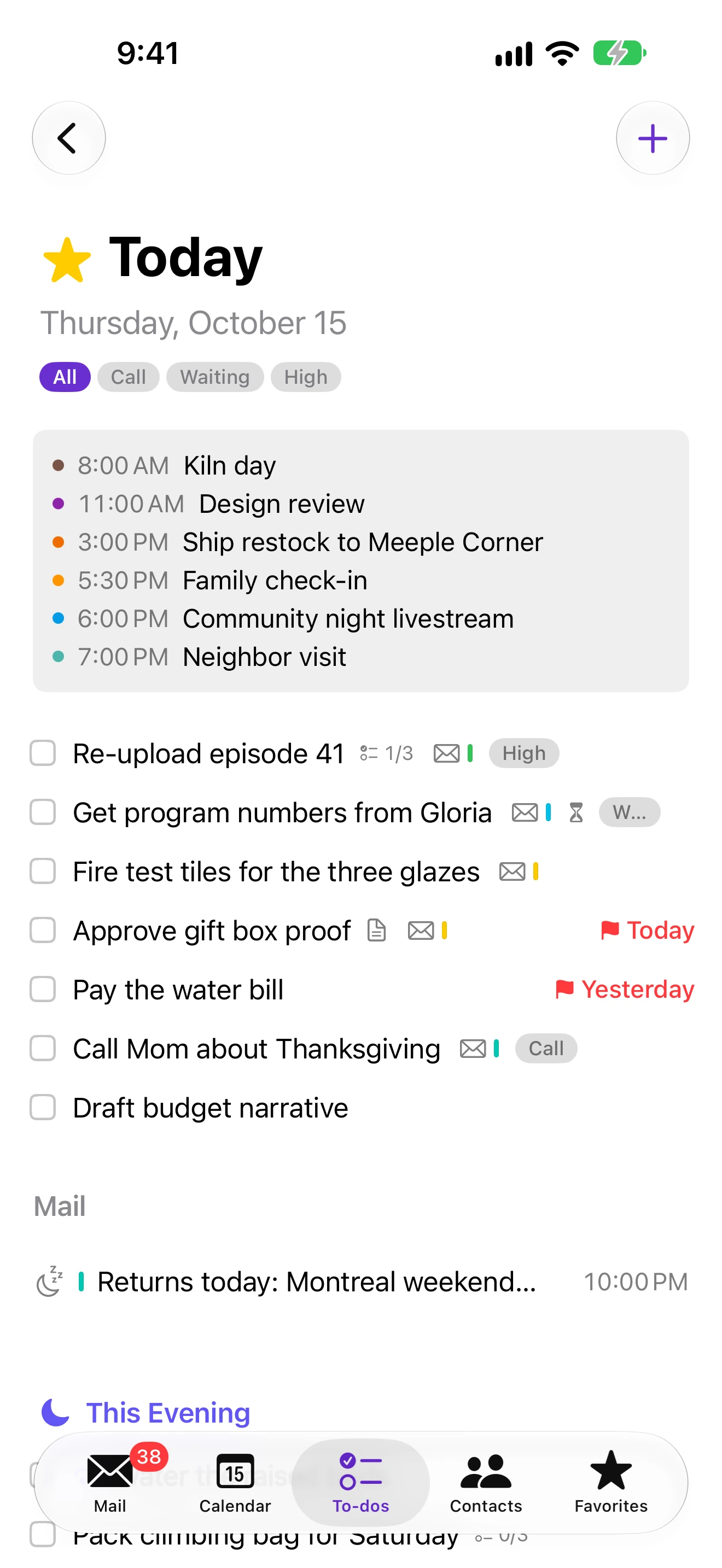
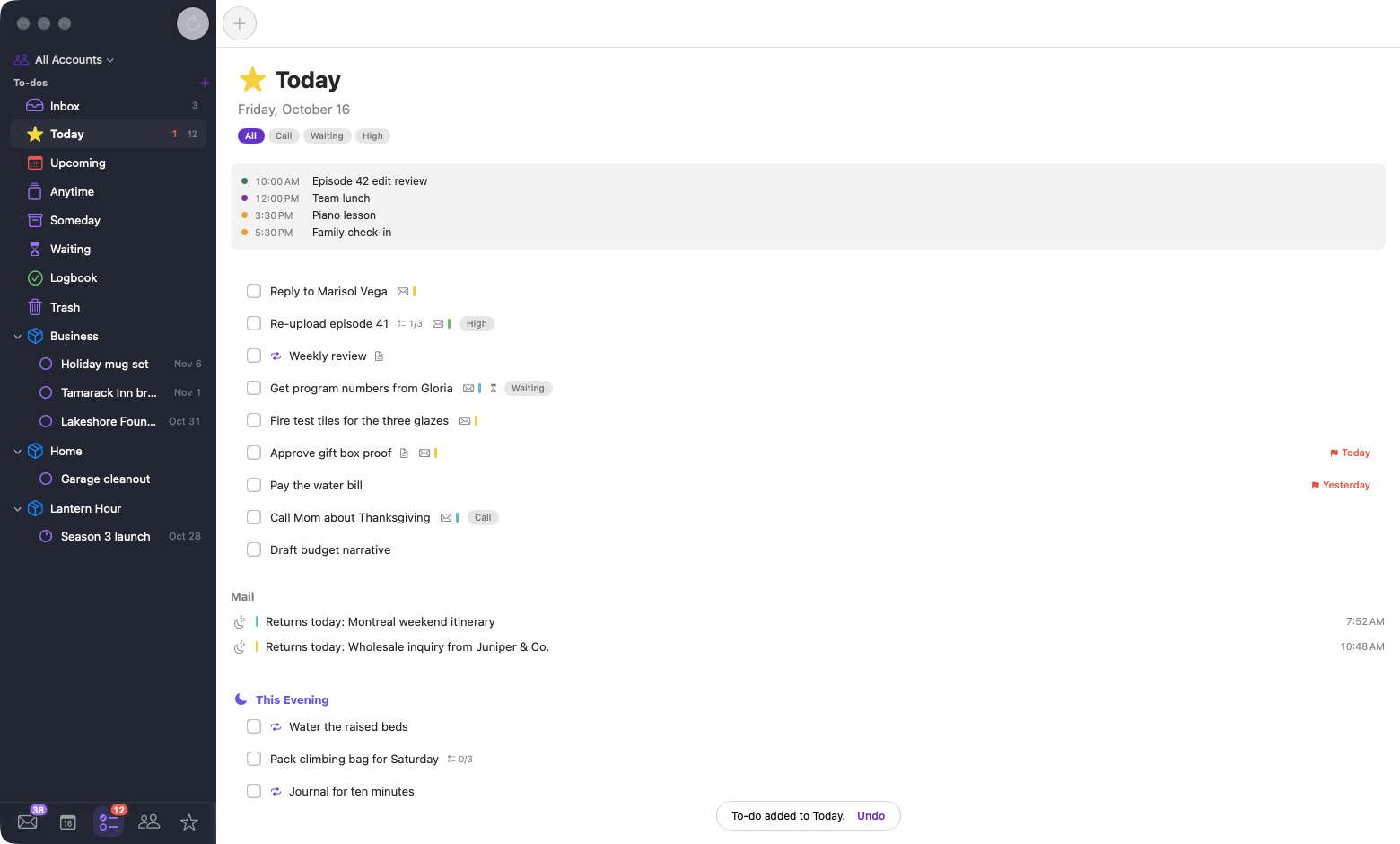
Turn a message into a to-do with a due date. Reopen the conversation from the task when you’re ready to reply.
MooseMail connects directly to your providers. Downloaded mail stays on your devices; app data syncs through private iCloud.
PrivacyUse Siri or Spotlight to find supported mail. Choose whether to include downloaded message text in search.
Apple Intelligence requires eligible hardware and macOS 27 or iOS 27.Set a message aside until you need it.
| App | Focus | Mac and iPhone |
|---|---|---|
| MooseMail | Mail, calendar, and email-linked to-dos | Native apps on both |
| Mimestream ↗ | Native Gmail client | Mac; iOS in a limited subscriber beta |
| Spark ↗ | Email productivity, AI, and team tools | Both, plus other platforms |
| Apple Mail ↗ | Built-in mail client | Included on both |
| Epistles ↗ | Mail across providers and platforms | Both, plus other platforms |

macOS 26+ · iOS 26+
Features depend on your provider and account permissions. Local scheduled sends and reminders need a device available at the scheduled time unless the provider supports server scheduling.